Save Laptop Battery in Windows 11: Turn Off Wi-Fi and Bluetooth When Idle
Published on: 22/05/2026
Wi-Fi and Bluetooth constantly scan for signals in the background — toggling them off via Win+A Action Centre saves meaningful battery during offline focus sessions.
Windows 11battery savingWi-FiBluetoothlaptop batterypower management

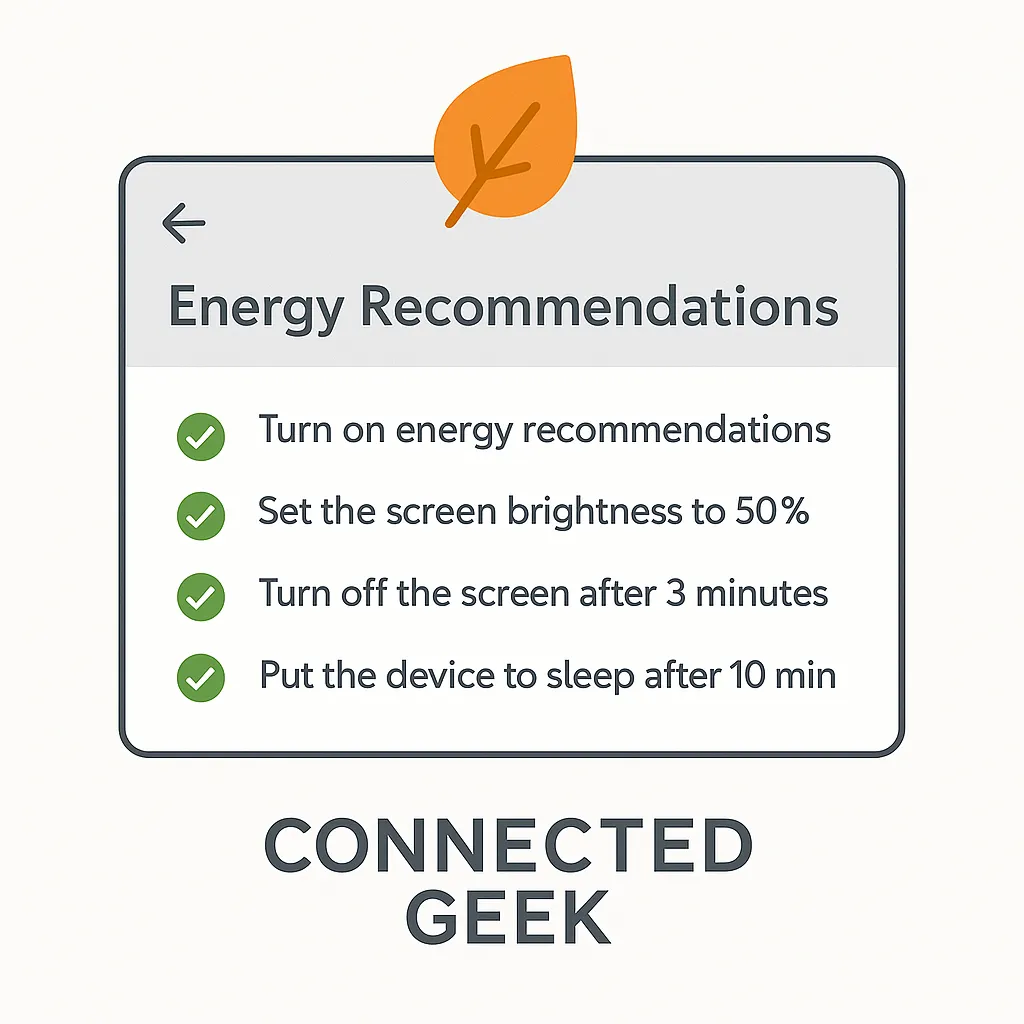
Windows 11 Energy Recommendations: Let Windows Suggest Your Power Savings
Published on: 22/05/2026
Settings → System → Power & battery → Energy recommendations gives personalised tweaks — adjusting sleep timers, screen brightness, and more with one click.
Windows 11energy recommendationspower settingsbattery savingenergy savingPC power management
Windows 11 Airplane Mode: Turn Off All Wireless Signals in One Tap
Published on: 21/05/2026
Airplane Mode in Windows 11 kills Wi-Fi, Bluetooth, and mobile data simultaneously — toggle it from Action Centre with Win+A. Perfect for flights, focus, or battery saving.
Windows 11Airplane Modewireless settingsbattery savingtroubleshoot connections